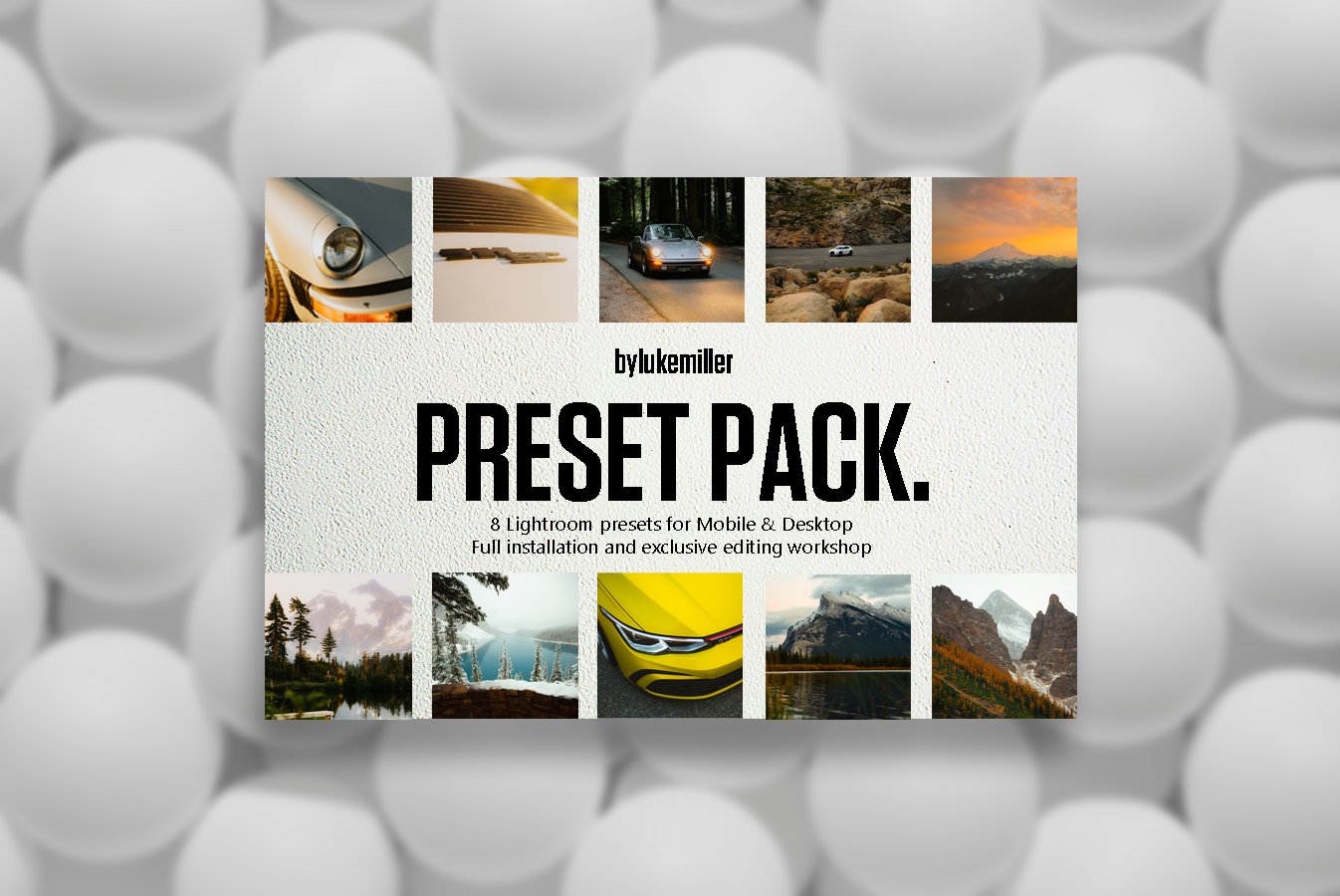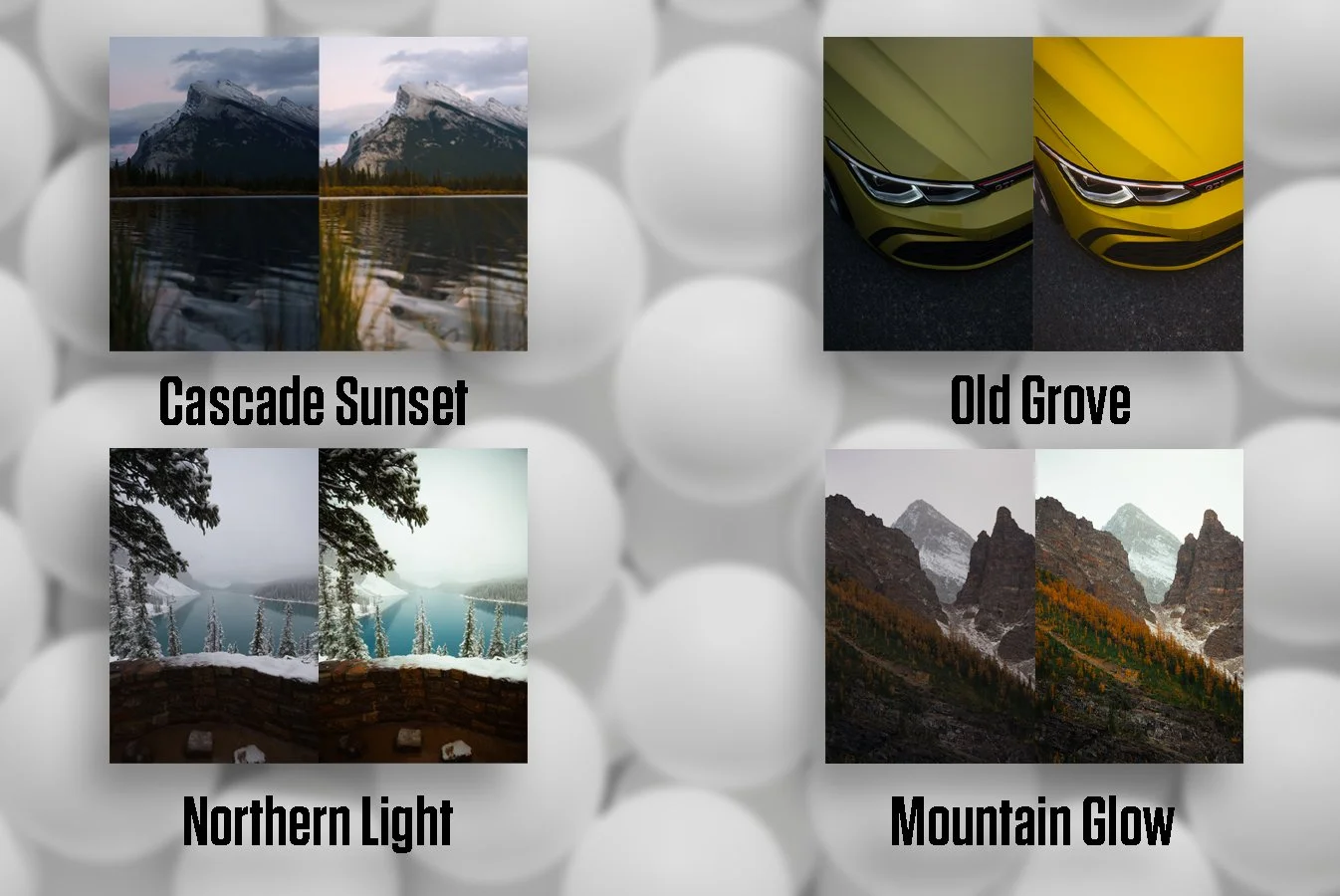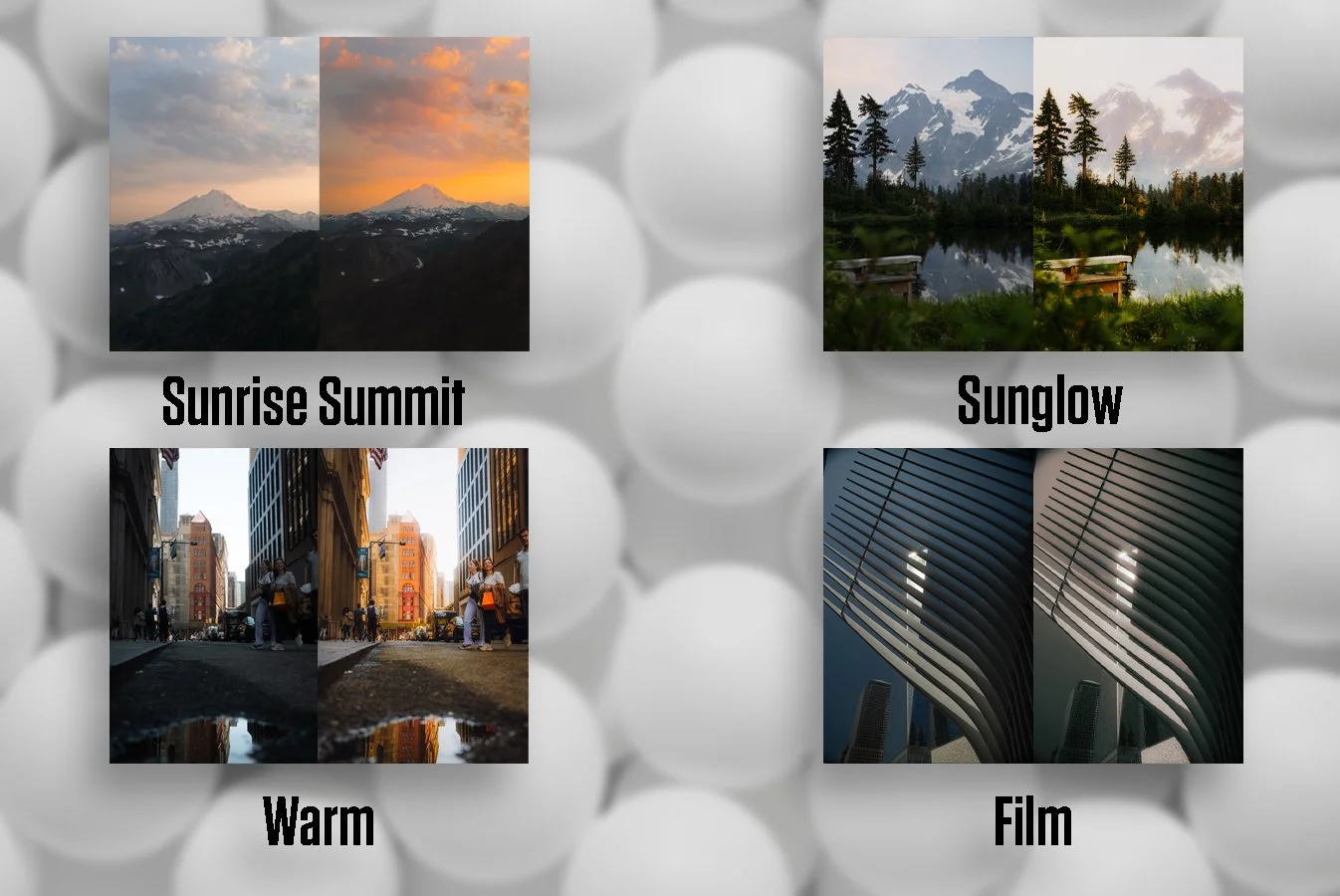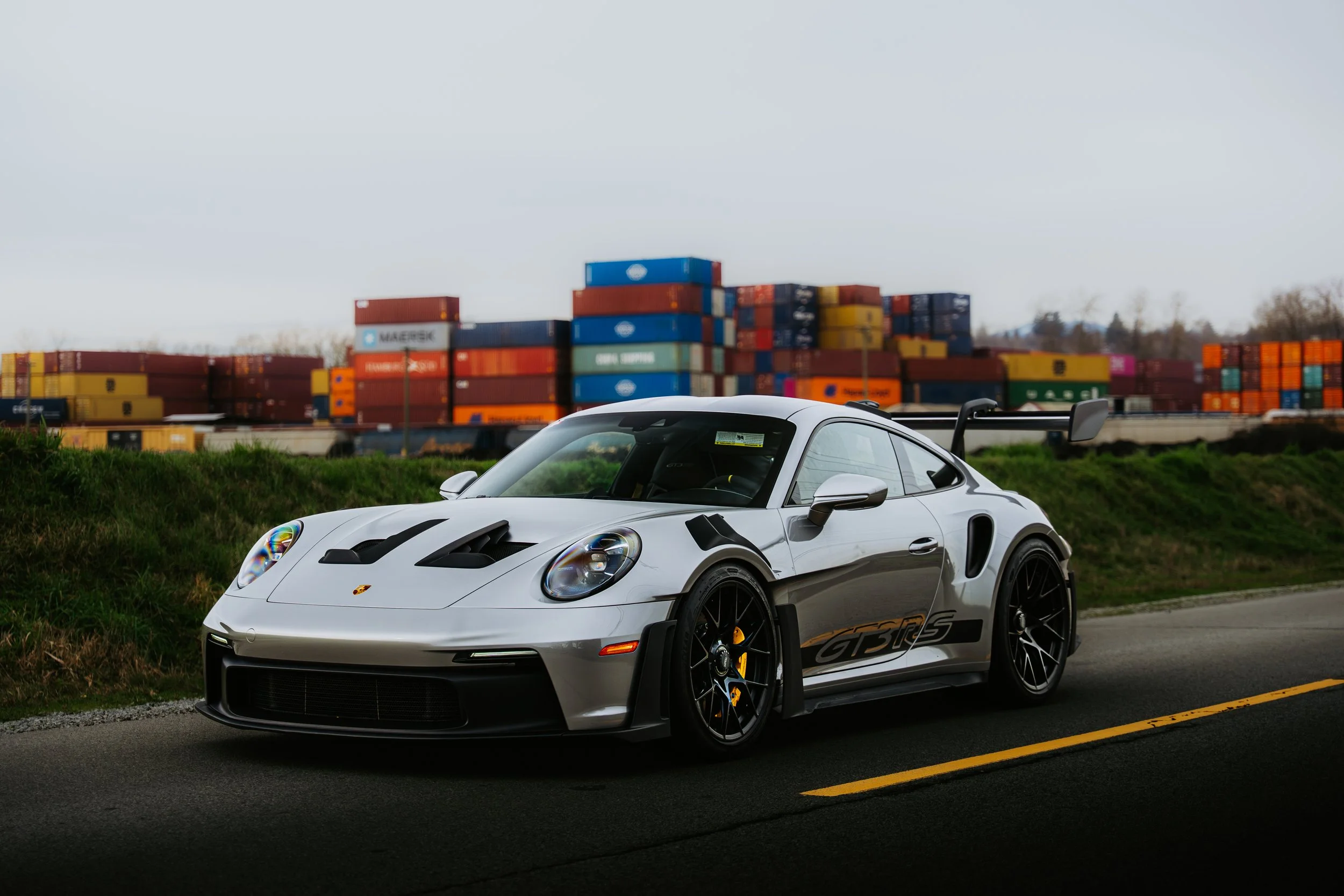
Bring warmth, depth, and a radiant golden glow to your photos with Sunglow – a free Lightroom preset designed to enhance natural light and boost the warmth in your shots. Whether you're capturing golden hour portraits, outdoor landscapes, or sunny street scenes, Sunglow adds a soft, dreamy vibe that elevates your images instantly.
A Lightroom preset is a pre-configured set of editing adjustments that can be applied to your photos with a single click. It streamlines your workflow, helps maintain a consistent aesthetic, and makes editing faster and easier – perfect for photographers, content creators, and anyone looking to up their visual game.
Enhances natural light tones
Adds warm, golden highlights
Softens shadows and boosts contrast
Ideal for golden hour, travel, lifestyle, and portrait photography
Gives your feed a cohesive, glowing look
1 .XMP file for desktop Lightroom + Mobile (PC/Mac/Mobile)
Easy step-by-step of a shot list for cars
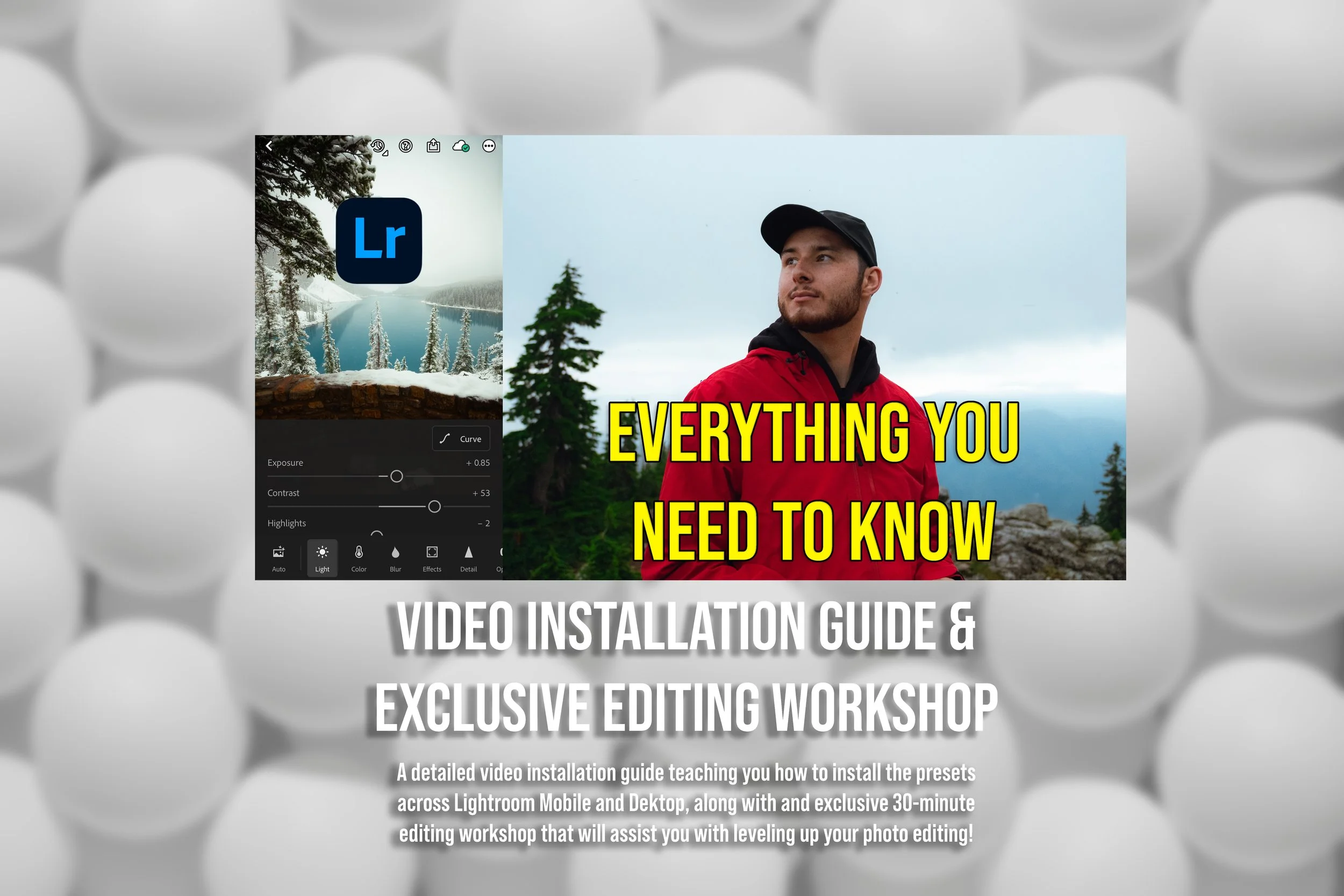
Open Lightroom Classic on your desktop.
Go to the Develop module.
On the left panel, find the Presets section and click the + icon.
Select Import Presets.
Locate and select the .XMP file from your downloaded folder.
The preset will now appear in your Presets panel, ready to use!
Bring warmth, depth, and a radiant golden glow to your photos with Sunglow – a free Lightroom preset designed to enhance natural light and boost the warmth in your shots. Whether you're capturing golden hour portraits, outdoor landscapes, or sunny street scenes, Sunglow adds a soft, dreamy vibe that elevates your images instantly.
A Lightroom preset is a pre-configured set of editing adjustments that can be applied to your photos with a single click. It streamlines your workflow, helps maintain a consistent aesthetic, and makes editing faster and easier – perfect for photographers, content creators, and anyone looking to up their visual game.
Enhances natural light tones
Adds warm, golden highlights
Softens shadows and boosts contrast
Ideal for golden hour, travel, lifestyle, and portrait photography
Gives your feed a cohesive, glowing look
1 .XMP file for desktop Lightroom + Mobile (PC/Mac/Mobile)
Easy step-by-step of a shot list for cars
Open Lightroom Classic on your desktop.
Go to the Develop module.
On the left panel, find the Presets section and click the + icon.
Select Import Presets.
Locate and select the .XMP file from your downloaded folder.
The preset will now appear in your Presets panel, ready to use!